
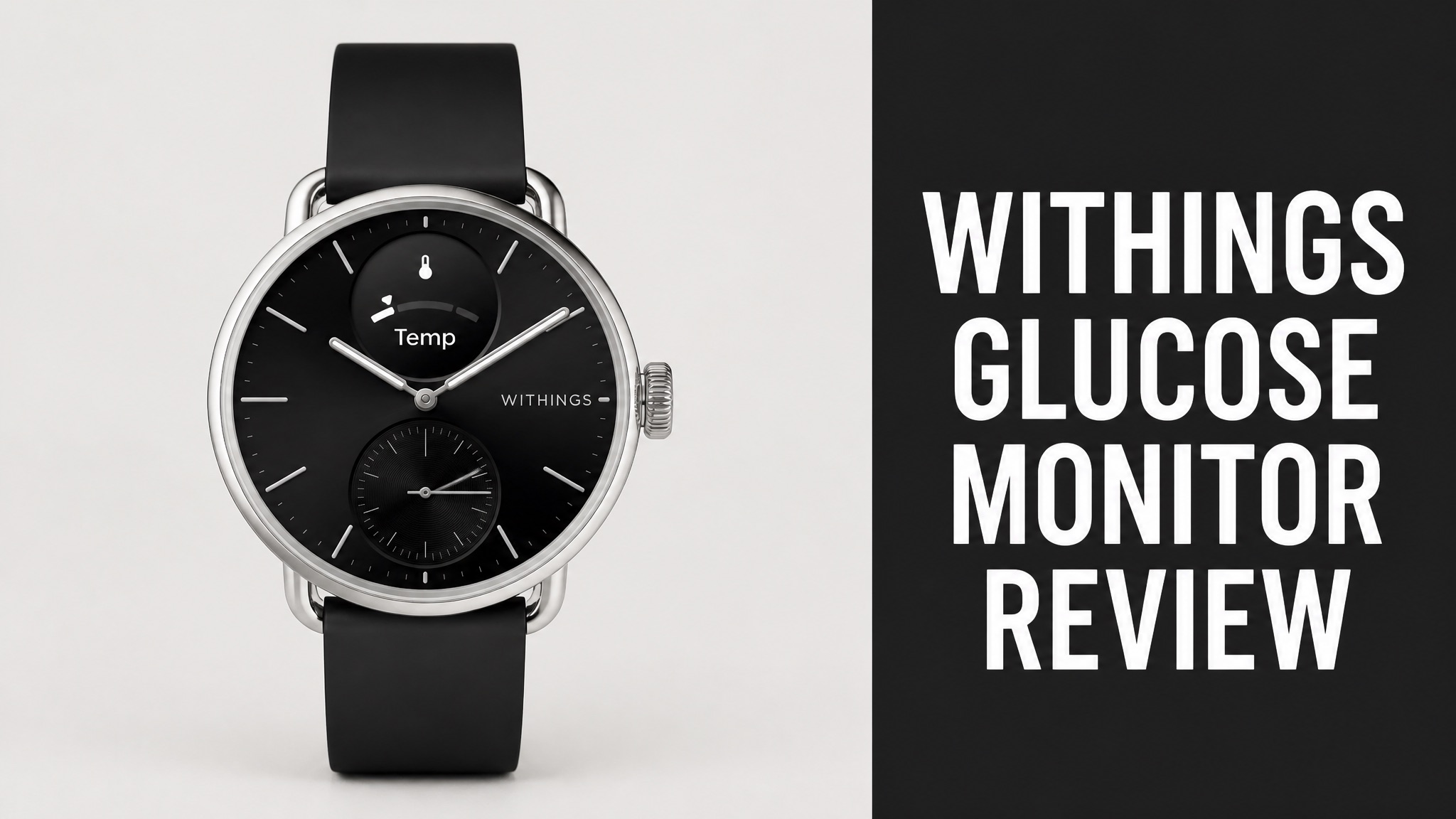
The Withings glucose monitor is a glucose tracking feature in the Withings app, not a standalone sensor. Withings announced it at CES 2026 with Abbott. The app shows readings from an Abbott Lingo sensor beside other health data.
Syncing runs through Apple Health or Health Connect. The app then shows daily average, Time in Range, and variability. Spike insights and meal logging link readings to food. Diabetic Mode adjusts target ranges. The ScanWatch 2 adds sleep, heart rate, and activity context around each rise or fall.
Lingo suits general awareness, not diabetes management. Costs, limits, and the best use cases follow below. Keep reading to learn whether this setup fits your goals.
What Is the Withings Glucose Monitor?
The Withings glucose monitor is not a standalone device but a glucose tracking feature inside the Withings app. Withings announced it at CES 2026 through a partnership with Abbott. The app shows Abbott Lingo sensor readings beside the 90 other biomarkers Withings devices track. Think of it as a viewing layer for sensor data, not new hardware.
Here’s the thing: no Withings sensor exists. Withings sells scales, watches, and blood pressure monitors. Abbott supplies the sensor, and Withings supplies the dashboard. So what does that mean for you? Buy the Lingo sensor from Abbott, then read results in the Withings app.
Who Provides What:
| Component | Provider | Role |
|---|---|---|
| Glucose sensor | Abbott Lingo | Collects continuous glucose data |
| Data bridge | Apple Health or Health Connect | Syncs readings to the app |
| Dashboard | Withings app | Shows spikes and Time in Range |
Does Withings Make Its Own Glucose Sensor?
No. Withings does not make its own glucose sensor and relies on Abbott Lingo for every reading. Lingo is the first over-the-counter continuous glucose monitor. ZDNET reports that Oura and Garmin follow the same path by partnering with sensor makers instead of building their own. Without that partnership, the app would have no glucose data to display.
Why do brands skip the sensor? In fact, reliable non-invasive monitoring isn’t ready yet. ZDNET notes that startups have tried, and rumors suggest Apple is working on one. None are reliable enough for consumer health technology today.
How Does Withings Glucose Tracking Work?
Withings glucose tracking works by pulling glucose data from a paired monitor into the app through a health data bridge. On iPhone, the bridge is Apple Health. On Android, it’s Health Connect. Once synced, the app plots the readings as a timeline graph on the Home tab. Withings then layers spike insights and range scoring on top of the incoming readings.
To be clear, the app doesn’t read glucose itself. Who does the reading, then? The sensor does that work. Withings adds the interpretation layer: spikes, ranges, and trends that a raw number can’t show.
How Do You Sync Glucose Data to the Withings App?
Syncing takes four short steps inside the Withings app. First, connect your CGM app to Apple Health or Health Connect. Then open the Share tab and follow the prompts. Withings says the data can take up to 3 hours to appear in the app. The CGM app must connect to the health bridge first, since Withings imports only what the bridge already holds.
Steps:
- Connect your CGM app to Apple Health or Health Connect.
- Open the Withings app and go to the Share tab.
- Scroll down and tap Health or Google Connect.
- Follow the on-screen instructions to sync the data you want.
Is that 3-hour delay a dealbreaker? For reviewing patterns after meals, probably not. For real-time decisions, the lag is a limit worth knowing. Short answer: plan around it.
What Does the Glucose Graph Show?
The glucose graph shows three core numbers: daily glucose average, Time in Range, and glucose level variability. Find it on the Home tab as a timeline item. A dotted line on the graph marks the healthy range for your profile. Withings also explains glucose ranges and fluctuations, known as spikes. Together, these numbers describe both level and stability.
Daily glucose average is the mean of your readings over 24 hours. Variability measures how much your levels swing. Why does variability matter? Think of it this way: lower variability signals steadier metabolic health, according to Withings.
What Features Does Withings Glucose Tracking Offer?
Withings glucose tracking offers spike insights, Time in Range scoring, meal logging, and a Diabetic Mode that adjusts target ranges. TechRepublic names all four as the main ways the app explains blood sugar changes. Together, they turn a raw stream into readable patterns. Each tool answers a different question: what happened, how long, and why.
Why does meal logging stand out? You record what you ate next to your glucose data. What’s more, patterns appear over time. Some breakfasts keep glucose steadier, and some snacks cause bigger swings.
What Is Diabetic Mode?
Diabetic Mode is a setting that widens the glucose target range and lowers the Time in Range goal. The default range is 70 to 140 mg/dL (3.9 to 7.8 mmol/L) for at least 96% of the day. TechRepublic says Diabetic Mode moves it to 70 to 160 mg/dL with a 70% goal. The expected range changes with the setting, so identical readings can look very different.
Sources differ on the upper limit. Which one applies? Withings support lists 70 to 180 mg/dL (3.9 to 10 mmol/L) for people with diabetes, following the ADA recommendation. The bad news? You’ll need to confirm the range inside your own app.
Glucose Target Ranges:
| Profile | Target Range | Time Goal |
|---|---|---|
| Default (no diabetes) | 70-140 mg/dL | At least 96% |
| Diabetic Mode (TechRepublic) | 70-160 mg/dL | At least 70% |
| Diabetes (Withings support) | 70-180 mg/dL | At least 70% |
How Does Time in Range Work?
Time in Range measures the percentage of the day your glucose stays inside the target zone. A higher percentage means steadier blood sugar. Diabetic Mode changes where the dotted target line sits on the graph. Withings describes a higher percentage as better control of blood sugar. A whole day gets summarized in one number, which makes comparison simple.
A high post-meal reading doesn’t tell the whole story. Does one spike matter? Not much if glucose settles soon after. Repeated time above range after the same meal points toward timing, portion size, or food pairing.
Does Withings Glucose Tracking Actually Work?
Yes. Withings glucose tracking works as a pattern-finding tool rather than a diagnosis tool. The app helps you see how food, sleep, stress, and exercise move your readings. Number accuracy depends on the Abbott Lingo sensor, not on Withings. The app can’t diagnose diabetes or prescribe changes. It organizes the evidence so patterns become visible.
Here is the part most people miss: the sources reviewed describe features, not clinical trial results. Does independent testing exist? No independent test of the combined setup appears in them. Treat the claims as feature descriptions, not proven outcomes.
Can It Show What Causes Glucose Spikes?
Yes. The app links spikes to meals, exercise, stress, and sleep through spike insights and meal logging. Refined carbs and sugary foods cause rapid changes most often. Intense exercise, stress, and poor sleep can also push the numbers up. The app places food, activity, and sleep next to each spike, which makes the likely cause easier to find.
Typical Spike By Meal Type:
| Meal Type | Typical Spike |
|---|---|
| Pasta with no fiber or protein | 40-60 mg/dL (2.2-3.3 mmol/L) |
| Sugary drinks | 50-80 mg/dL (2.8-4.4 mmol/L) |
| Balanced meal with protein, fat, fiber | 10-30 mg/dL (0.6-1.7 mmol/L) |
The same food can affect people differently. Withings says so directly. For example, logging meals beside glucose is how you find your own pattern. And repeated spikes followed by sharp drops can bring energy crashes and cravings.
What Does the Withings ScanWatch 2 Add?
The ScanWatch 2 adds wrist-based context such as sleep quality, heart rate, activity, blood oxygen, breathing patterns, and temperature variations. TechRepublic says these signals explain what happened in the hours before or after a glucose rise or drop. Together, those signals fill in the story around each glucose reading in the same app view.
Context Signals:
- Sleep quality
- Heart rate
- Activity
- Blood oxygen levels
- Breathing patterns
- Temperature variations
After a restless night, next-day glucose can look different even when meals haven’t changed. Odd? Not really. Withings lists a lack of sleep as a spike trigger. The watch simply gives you the evidence.
Is the ScanWatch 2 a CGM?
No. The ScanWatch 2 is not a continuous glucose monitor and cannot measure glucose on its own. DiabetesWise lists it as not CGM compatible. The watch costs $349.95 (USD), lasts up to 30 days on a charge, and includes ECG functionality. The watch tracks steps, heart rate, calories, and sleep through the Withings app, yet glucose arrives from elsewhere.
The data path runs through the app instead. In plain English: Lingo supplies the ongoing blood sugar data. The ScanWatch 2 adds the surrounding health signals. The Withings app puts both on one screen.
Who Should Avoid the Withings Glucose Monitor?
People who manage diabetes with insulin need glucose systems cleared for medical use, not the Lingo and Withings pairing. TechRepublic explains that Lingo serves general glucose awareness. Withings doesn’t treat it as a diabetes-management tool. The distinction matters because awareness sensors carry different expectations than medical systems.
Diabetic Mode doesn’t appear for Lingo data. Why? Because Lingo isn’t built for insulin dosing decisions. Adults curious about food, exercise, stress, and routine responses are the real audience.
Is Withings Glucose Tracking Safe for Diabetes?
No. For Lingo data, Withings glucose tracking isn’t designed for diabetes management. Withings frames the Lingo view as general awareness. People with diabetes often need systems that include insulin dosing guidance. Instead, the app presents trends and ranges for adults who want to understand how habits, meals, and sleep affect their glucose.
The good news? Withings support also describes importing data from other CGM apps like Dexcom and Libre through Apple Health or Health Connect. Withings lists Diabetic Mode for users with diabetes. Medical decisions still belong with a doctor.
How Much Does Withings Glucose Tracking Cost?
Withings glucose tracking has no separate fee listed in the sources, but the hardware around it costs real money. The Lingo sensor comes from Abbott, and the Withings pages reviewed don’t list a Lingo price. The ScanWatch 2 costs $349.95 (USD). Anyone planning a purchase should price the sensor and any watch separately before comparing total cost.
Known Costs:
| Item | Cost | Source |
|---|---|---|
| ScanWatch 2 | $349.95 (USD) | DiabetesWise |
| Function membership | $365 (USD) per year | Withings |
| Function first year with Withings credit | $335 (USD) | Withings |
Is It Worth the Price?
Yes. Withings glucose tracking is worth the money if the Withings app is already part of your routine. The app adds glucose to the 90 other biomarkers it tracks, with no extra charge listed. The app alone receives Lingo data, so a watch isn’t required. Buying a watch only for glucose is unnecessary, since the app by itself receives the synced sensor data.
Withings also partners with Function for lab testing. Members get 10% off Withings devices, and Withings users get a $30 credit on Function. Function covers 160+ lab tests per year, which adds the blood-test side of the picture.
Is the Withings Glucose Monitor Worth It?
Yes. The Withings glucose setup is worth it for health-curious adults who already use Withings and want glucose context. It’s a poor fit for people who need medical-grade diabetes management. Bottom line: it’s a pattern tool, not a treatment tool. The setup rewards users who check patterns regularly and use meal logging consistently over several weeks.
Pros:
- Glucose sits beside 90 other biomarkers
- Spike insights and meal logging explain patterns
- Works with Apple Health and Health Connect
- Time in Range scoring adapts through Diabetic Mode
What Are the Pros and Cons?
The tradeoff pairs a clean dashboard against dependence on a third-party sensor. Withings handles interpretation well. Abbott handles measurement. A weakness in either link affects the whole experience, and the 3-hour sync delay adds friction. Buyers should weigh both links before committing, since each depends on the other for useful results.
Cons:
- Requires a separate Abbott Lingo sensor
- No Diabetic Mode for Lingo data
- Sync can take up to 3 hours
- No independent accuracy testing found in the sources