
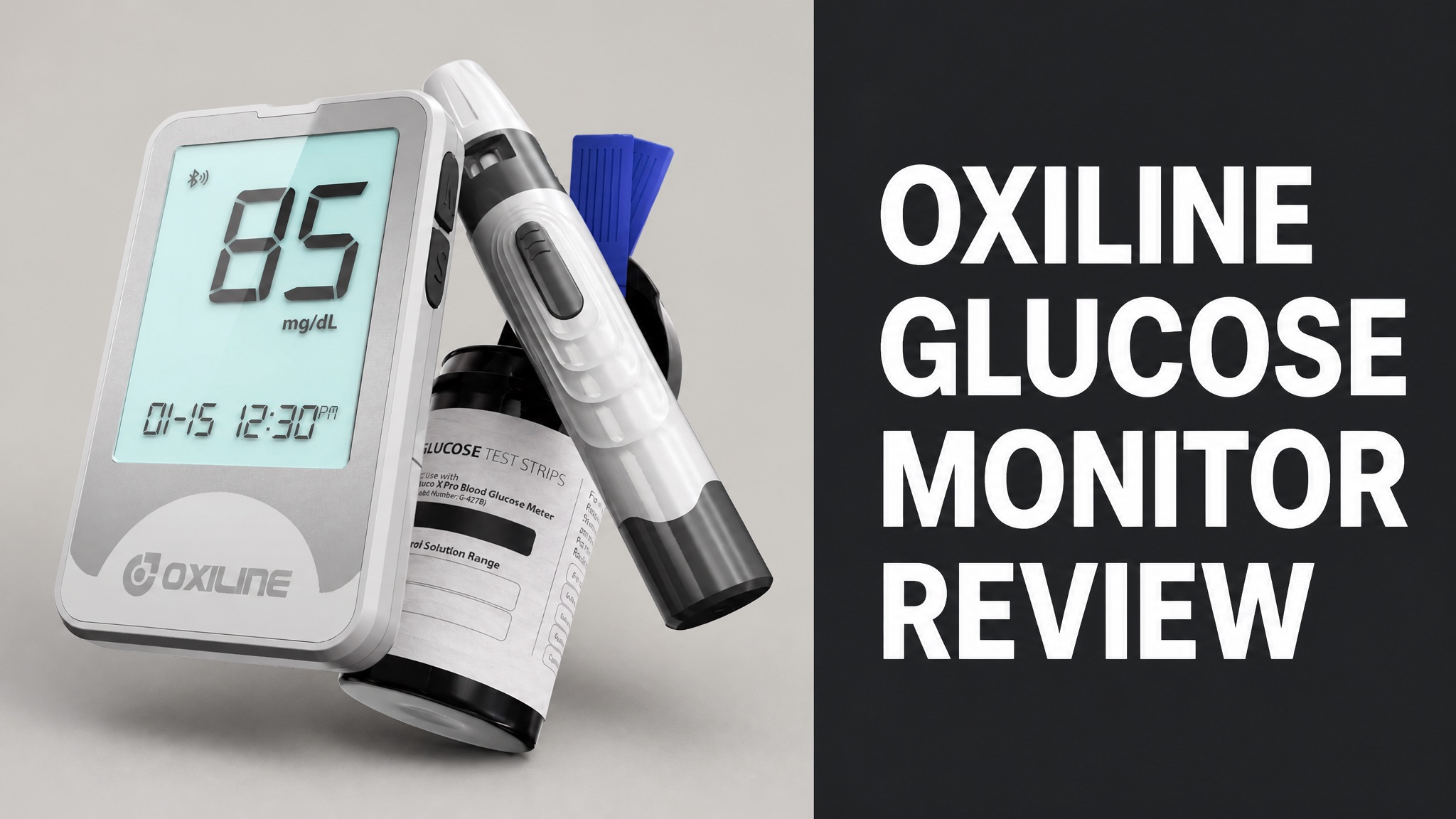
The Oxiline glucose monitor is a Bluetooth blood glucose meter sold under the Gluco X Pro and Gluco XS Pro names. It reads a fingerstick sample on a test strip. The meter syncs results to a phone app. Oxiline LLC sells it online with a lifetime warranty and free shipping.
The kit ships with strips, lancets and a lancing device. The XS Pro lists at $50, and the strips are ISO 15197:2013 compliant. Reviews come mostly from Oxiline’s own store. The BBB lists 209 complaints in three years, mostly about refunds and returns. Buyers should check the policy first.
The meter is not a continuous monitor, and independent accuracy tests are rare. Still, app sync, FDA clearance and a 30-day guarantee make it a fair option. Read on for specs, pricing, comparisons and a final verdict on whether it earns its price.
What Is the Oxiline Glucose Monitor?
The Oxiline glucose monitor is a Bluetooth blood glucose meter sold as the Gluco X Pro and Gluco XS Pro. The device reads a fingerstick blood sample on a test strip. The meter then sends the result to a smartphone app, which stores each reading and tracks daily trends. Oxiline lists its app on the Apple App Store.
Oxiline sells the meter as a home testing kit. In fact, the brand also makes blood pressure monitors, pulse oximeters, smart scales and TENS units. The Gluco line is its diabetes product family.
Is the Oxiline Glucose Monitor a CGM?
No. The Oxiline Gluco meters are fingerstick glucometers, not continuous glucose monitors. Each reading needs a drop of blood on a fresh test strip. No sensor sits on the skin. The meter shows one number per test, and the app logs it. Oxiline’s app even asks for a fasting status before each live reading, so every result is one tagged test.
Why does that matter? A CGM streams readings every few minutes. A meter gives a single snapshot. So Oxiline users test at set times, such as fasting, and the app records each result.
What Comes in the Gluco X Pro Kit?
The Gluco X Pro kit includes a meter, a lancing device, 100 strips and 100 lancets. The box adds a travel pouch, two AAA batteries and a user manual. MedM lists this exact accessory set, and Oxiline sells it as a complete kit. A new user can test on day one with nothing extra to buy.
Kit Contents:
- Gluco X Pro meter
- Lancing device
- 100 glucose test strips
- 100 lancets
- Travel pouch
- Two AAA batteries
- User manual
The meter weighs 0.3 pounds (136 grams). It measures 90 by 54 by 13 millimeters (3.5 by 2.1 by 0.5 inches). That’s small enough for a pocket.
How Does the Oxiline Glucose Monitor Work?
The Gluco X Pro measures glucose with an electrochemical test strip that reacts to a tiny blood sample. Oxiline’s strips use a GDH-FAD enzyme method. The meter reads the electrical signal from that reaction. It converts the signal into a mg/dL value on the display and in the app. Oxiline says the strips also auto-code, so there are no code chips to match.
The sample is small. Each strip needs only 0.4 microliters of blood. Capillary action pulls the blood into the sample window, so no smearing is needed.
How Do You Connect It to the App?
Pairing takes three actions: download the Oxiline app, create a profile, and follow the on-screen connection steps. The Gluco X Pro then links over Bluetooth. A green Connected dot appears under the device name when the link is live, and readings sync on their own. Oxiline’s support page also offers a video walkthrough for the first reading.
MedM offers another route. Open its Health Diary app, tap Devices, then the plus button. Take a measurement and select the meter when it appears. Keep the app running in the background to receive new readings.
So what does the app add? Readings sync with Apple Health and Google Fit. Users can set high and low alerts. The MedM app is freemium, and premium features need a paid subscription.
How Do You Take a Reading?
A reading starts when a blank test strip enters the strip port, which powers the meter on. Oxiline’s support page lists the order: insert the strip first, then open the app. Wait for the green Connected dot before applying blood. Skipping that order can delay the sync. Oxiline’s support page also shows a video of the full process for new users.
Steps:
- Insert a blank test strip into the strip port.
- Open the Oxiline app on the phone.
- Wait for the green Connected dot.
- Check that the Bluetooth symbol is not blinking.
- Select the fasting status in the app.
- Place blood on the test strip and read the result.
Oxiline also advises testing at the same time each day. Consistent timing makes the trend lines easier to read.
What Are the Oxiline Glucose Monitor Features and Specs?
The Gluco X Pro stores up to 500 results on the device. It syncs each one to a phone over Bluetooth Smart. The kit runs on two AAA batteries and carries FDA clearance. E-Catalog lists the display as monochrome. MedM describes an ultra-bright backlit screen. The sources differ on this detail.
Gluco X Pro Specs:
| Spec | Value |
|---|---|
| Memory | 500 readings |
| Connectivity | Bluetooth Smart |
| Power | Two AAA batteries |
| Sample size | 0.4 microliters |
| Measurement range | 20 to 600 mg/dL (1.1 to 33.3 mmol/L) |
To be clear, sources disagree on test time. Oxiline’s strip page lists 8 seconds for the X Pro. E-Catalog lists 5 seconds. Oxiline lists 5 seconds for the XS Pro.
How Fast and Accurate Are the Test Strips?
Oxiline’s strips are ISO 15197:2013 compliant and hold FDA 510(k) clearance. They also carry a CE mark. Oxiline brands the technology G-Sense and claims lab-grade accuracy. The brand cites results in 5 seconds from a virtually painless sample, though its own pages vary on speed. Multi-point quality checks guard against temperature and humidity shifts, per Oxiline.
Independent accuracy testing is thin. Is that a problem? Treat the lab-grade claim as the brand’s own until a third-party study confirms it. Oxiline sells a Control Solution Kit that verifies a meter.
Strip care matters too. Unopened strips last 24 months. Oxiline gives two post-opening limits: 90 days in the FAQ and 6 months in the specs. Store strips at 2 to 30 degrees Celsius (36 to 86 degrees Fahrenheit).
What Do Oxiline Glucose Monitor Reviews Say?
Oxiline reviews come mostly from the brand’s own store, where volume is high but independent coverage is thin. The Gluco XS Pro page lists 7,580 reviews. The strips and lancets page lists 1,349. Oxiline claims over 150,000 reviews across its full catalog. The XS Pro page carries a 7,580-review badge.
Store counts are not proof. Why? The brand controls what its site shows. Weigh them against outside sources such as the BBB, covered below.
What Are the Selling Points?
Oxiline’s marketing highlights quick results, a tiny blood sample and automatic app sync as the main selling points. The XS Pro page promises 5-second results and 1,000-reading memory. The strips need only 0.4 microliters of blood. A Control Solution Kit with 28 reviews is also listed.
Press praise exists for the brand. Here’s the catch: the Verywell Health, MindBodyGreen, NCOA and Health.com quotes on Oxiline’s site cover its TENS unit, scales and blood pressure monitor. None covers the glucose meter.
What Are the Common Complaints?
Complaints about Oxiline center on refunds, troubleshooting demands and return shipping costs. The BBB lists 209 complaints in three years. The visible examples concern the Scale MD Pro rather than the glucose meter, but the process is company-wide. Oxiline LLC answers each published complaint on the same page.
Complaint Themes:
- Refund requests that feel delayed or ignored
- Mandatory troubleshooting before a return
- Customer-paid return shipping
- Devices not working as advertised
Oxiline replies that troubleshooting is its standard protocol. The company says many issues trace to setup or use. It adds that confirmed faults get warranty handling without return shipping costs.
Is the Oxiline Glucose Monitor Legit and Safe?
Yes. Oxiline is a real operating company that sells FDA-cleared devices with a lifetime warranty and a 30-day money-back guarantee. Oxiline LLC has a BBB profile as a Miami, Florida online retailer. A support site, an app and third-party listings confirm active operations. Its site also advertises a partnership with the U.S. Army.
Legitimacy Signals:
- BBB profile for Oxiline LLC
- FDA 510(k) clearance on the strips
- ISO 15197:2013 compliance
- Apple App Store and MedM app listings
- Lifetime warranty and FSA or HSA eligibility
Legit does not mean flawless. The BBB complaint volume is real. Read the return terms before ordering.
Is the Oxiline Glucose Monitor FDA Cleared?
Yes. Oxiline states that the Gluco X Pro and its strips hold FDA 510(k) clearance. The product page repeats that FDA granted 510(k) clearance. MedM calls the meter FDA-cleared, and the strip specs list 510(k) as well. Clearance is not approval. The FDA found the device substantially equivalent to an existing one. That is a lower bar than full approval.
Want to verify? Search the FDA’s Blood Glucose Monitoring Devices page and its 510(k) database. Confirm the clearance number before relying on any brand claim.
What Does the BBB Say About Oxiline?
The BBB shows 209 complaints in the last three years and 122 in the last 12 months for Oxiline LLC. Oxiline answers published complaints, and the replies sit on the same page. Names and order details are removed from the public text. The newest complaints on the page date to September 2026.
Most visible complaints involve the Scale MD Pro. Does that clear the glucose line? Not quite. Oxiline calls its troubleshooting process standard for all devices, so the pattern can apply to any order.
How Much Does the Oxiline Glucose Monitor Cost?
The Gluco XS Pro lists at $50 on Oxiline’s store, down from a $59 original price. A pack of 100 strips and 100 lancets lists at $39, down from $59. Both figures come from the live Oxiline product pages checked for this review. Prices change often, so check the live page before ordering. Oxiline lists meters as FSA and HSA eligible.
Oxiline Glucose Pricing:
| Item | Price | Notes |
|---|---|---|
| Gluco XS Pro meter | $50 | Was $59 |
| Strips and lancets (100 each) | $39 | One-time purchase |
| Monthly strip plan | $35 per month | 100 strips, free Gluco XS Pro |
| Quarterly strip plan | $30 per month | 300 strips every 3 months |
| Six-month strip plan | $25 per month | 600 strips every 6 months |
| Yearly strip plan | $20 per month | 1,200 strips every year |
Strips are the ongoing cost. The yearly plan works out to $20 per month. That’s 100 strips a month at the lowest rate.
Is the Oxiline Glucose Monitor Worth the Price?
Yes. At $50, the XS Pro costs far less than the iHealth wireless system and more than a basic meter. E-Catalog UK lists iHealth from 109.52 pounds and a Diather MultiSure GK from 21.20 pounds. Strip costs decide the long-term value. Compare the per-test price before choosing any meter.
What lowers the risk? Free shipping, a lifetime warranty and a 30-day money-back guarantee. Oxiline also accepts FSA and HSA payments, which can cut the real cost.
How Does the Oxiline Glucose Monitor Compare to Other Meters?
Oxiline’s meters compete on app connectivity and bundled supplies rather than on the lowest price. Rivals range from basic meters to full wireless systems. The right pick depends on whether app syncing matters to the buyer. Basic meters skip the app and list at lower prices.
Meter Comparison:
| Meter | Price | Key Features |
|---|---|---|
| Oxiline Gluco XS Pro | $50 | Bluetooth, 5 seconds, 1,000 readings |
| Diather MultiSure GK | From 21.20 pounds | Glucose and ketones, 5 seconds |
| iHealth Wireless Smart Gluco-Monitoring System | From 109.52 pounds | Glucose, 5 seconds, PC sync |
Currencies differ, so compare with care. Oxiline prices are in US dollars. E-Catalog prices are in British pounds.
How Does the Gluco X Pro Differ From the XS Pro?
The XS Pro is the model Oxiline currently sells, with 1,000-reading memory against 500 on the X Pro. Oxiline lists 5-second results for the XS Pro and 8 seconds for the X Pro. E-Catalog marks the X Pro as an outdated product. Both meters connect to the Oxiline app over Bluetooth.
Both models use the same supplies. Oxiline’s strip page lists compatibility with both meters. And that means X Pro owners can keep buying the same strips and lancets.
Where to Buy the Oxiline Glucose Monitor?
Oxiline sells the meter directly on oxiline.shop, and MedM lists the Gluco X Pro as available in the United States. Amazon search results also return Oxiline listings. Check the warranty terms before buying from a third-party seller. Oxiline’s guarantee terms are published on its own store.
Shipping is quick. Orders placed before 4 PM EST ship the same day by expedited shipping. Delivery is free.
What Is the Oxiline Return Policy?
Oxiline offers a 30-day money-back guarantee and a lifetime warranty on its devices. The brand states the terms on every product page. It asks customers to complete troubleshooting before it approves a return. Return shipping is the buyer’s cost unless the device is confirmed faulty. Oxiline decides that after the troubleshooting step is complete.
Policy Highlights:
- 30-day money-back guarantee
- Lifetime warranty
- Free same-day shipping before 4 PM EST
- Troubleshooting before a return
- Customer-paid return shipping unless a fault is confirmed
Keep the return tracking number. Oxiline’s BBB replies say the team needs that number by email to track a return.
Is the Oxiline Glucose Monitor Worth It?
Yes, for buyers who want a connected fingerstick meter at a fair price. The Oxiline glucose monitor pairs a $50 meter with app sync, a 30-day guarantee and FDA-cleared strips. Weak points are thin independent testing and a strict return process. Buyers who accept both get solid value.
Bottom line: it isn’t a CGM. Is that a dealbreaker? Only for buyers who need continuous readings, who need a different product class.
Who Should Buy the Oxiline Glucose Monitor?
The meter suits people who test a few times a day and want results logged automatically. App reminders, alerts and Apple Health sync cover that routine. Readings can also be shared with family members and doctors. Daily reminders help build a steady testing habit.
Who should skip it? Anyone who needs continuous tracking. Buyers who dislike troubleshooting before a refund should read the return terms first. Talk with a doctor before changing any diabetes routine.