
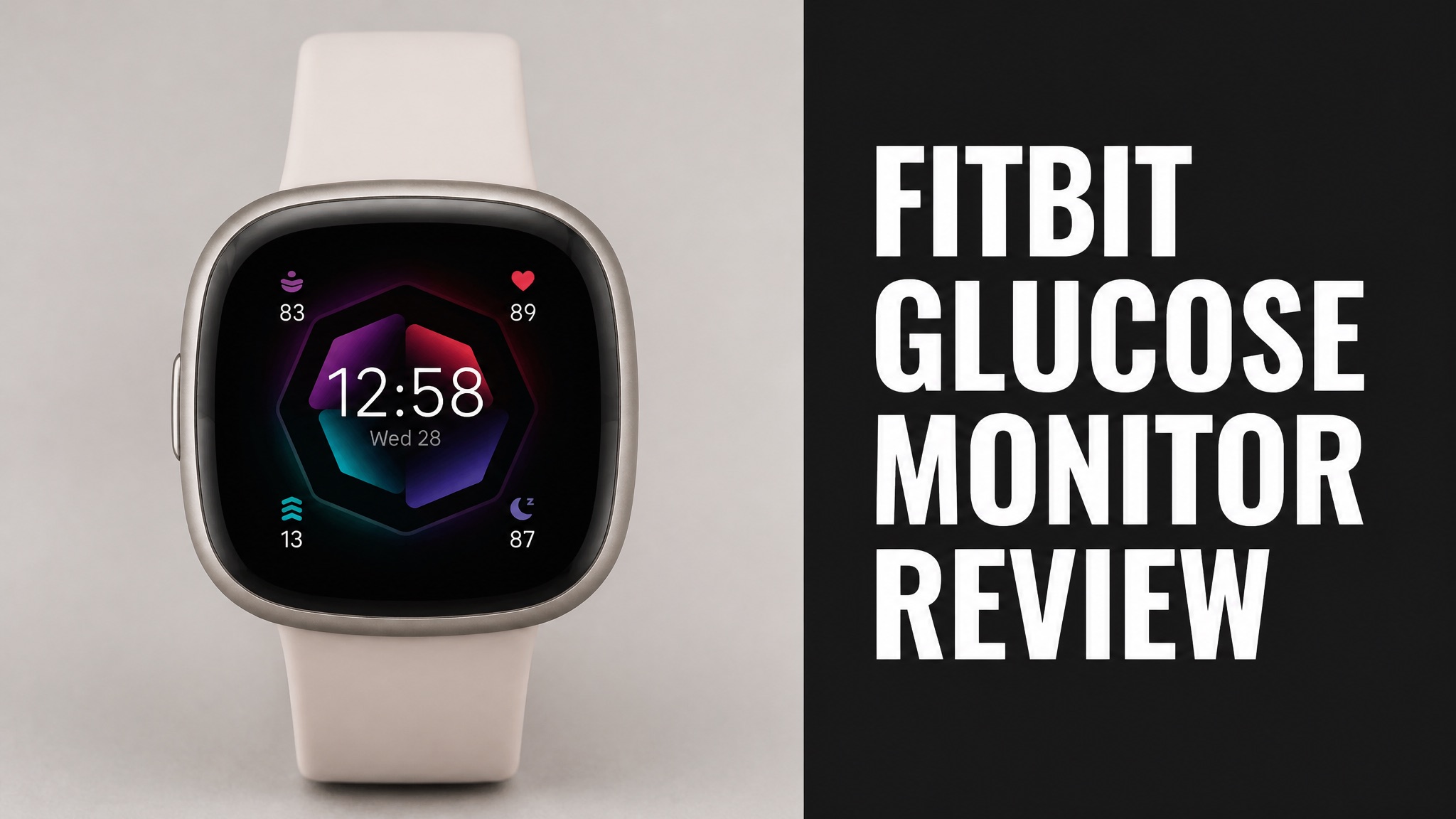
The Fitbit glucose monitor is a Fitbit smartwatch that displays readings from a separate continuous glucose monitor (CGM). Fitbit and Dexcom announced the pairing in 2017. No Fitbit measures blood sugar alone. Buyers need a Dexcom or Libre sensor. The watch is the display, not the lab.
Fitbit watches have no glucose sensor. A Dexcom or Libre sensor reads glucose under the skin. The phone passes each value to the watch. The Sense 2 lists at $199.95 (USD) and lasts up to 6 days per charge. Reviews praise the display and the battery. They criticize bulk, limited apps and extra fees. Setup takes a few minutes, and the app handles syncing.
The setup suits people who already use a CGM and want numbers on the wrist. The sections below cover compatibility, features, reviews, safety, cost and where to buy. Read on to learn whether the Fitbit glucose monitor earns a place on your wrist. Every answer comes from the reviews and sources checked.
What Is the Fitbit Glucose Monitor?
The Fitbit glucose monitor is not a standalone device, because Fitbit watches have no sensor that reads blood sugar. The name describes a Fitbit smartwatch that shows glucose numbers from a separate continuous glucose monitor (CGM). Dexcom and Freestyle Libre sensors do the measuring. The watch only displays the data on the wrist for quick checks today.
In fact, Fitbit and Dexcom announced the pairing on September 7, 2017. The Ionic smartwatch was the first target. Wccftech called it the first wearable besides the Apple Watch to show Dexcom data. Fitbit shares jumped 10 percent that day. Was the market excited? Clearly, yes.
Who does what:
| Part | Maker | Job |
|---|---|---|
| Glucose sensor | Dexcom or Freestyle Libre | Measures glucose under the skin |
| Smartwatch | Fitbit | Displays the numbers on the wrist |
| Phone app | Fitbit | Syncs health and activity data |
Does Fitbit Measure Blood Sugar?
No. Fitbit does not measure blood sugar with any watch or tracker it sells. Sensors inside the Sense track heart rate, blood oxygen, skin temperature and stress. None of them reads glucose. A needle-free glucose reading from the wrist is still not a proven feature on any Fitbit model today. Any claim that says otherwise is only marketing hype. Be wary.
Here’s the thing: the confusion is common. A Reddit thread asks if glucose numbers appear on a Fitbit. The answer is yes, but only when a Dexcom sensor feeds them. The watch is a screen, not a lab. Is that a problem? Only if buyers expect more.
How Does the Fitbit Glucose Monitor Work?
The Fitbit glucose setup works by pairing a CGM sensor with a compatible Fitbit watch through the Dexcom app. The sensor sits on the skin and reads glucose in fluid every few minutes. A transmitter sends the value to the phone. The phone then passes the reading to the watch for a quick glance at any time of day. Setup takes only a few minutes. Sync is fast.
Why does this matter? Checking a wrist is faster than pulling out a phone. Dexcom devices alert users when levels cross a limit. The watch can repeat that alert, so a low is harder to miss during a run.
How the data flows:
- The Dexcom sensor reads glucose under the skin
- The transmitter sends the value to the phone
- The phone shares the reading with the Fitbit watch
- The watch shows the number and trend arrow
Which Fitbit Watches Work With Glucose Sensors?
The Fitbit Sense 2 is listed as compatible with Dexcom G6, Dexcom G7 and Freestyle Libre sensors. DiabetesWise lists the watch at $199.95 (USD), with a battery that lasts up to 6 days. The older Fitbit Ionic was the first model announced for Dexcom data, with a planned 2018 release. Check the Dexcom compatibility page before buying a watch. Models vary.
The original Sense is a Fitbit smartwatch with similar health sensors. Mashable listed it at $330 at launch. So look at the price drop. The Sense 2 costs far less today. Is it the stronger pick? For most buyers, yes.
What Features Does the Fitbit Sense Offer?
The Fitbit Sense packs health sensors for heart rate, ECG, blood oxygen, skin temperature and stress. Mashable measured a 1.58-inch (4 cm) AMOLED display at 336 x 336 pixels. The watch includes built-in GPS, an altimeter and a gyroscope. The Irish Times praised its mix of useful health sensors and fair price. Fitbit Pay and Alexa support are also built in.
The bad news? The SpO2 sensor only works during sleep, so daytime oxygen checks aren’t possible. The EDA stress scan also needs a manual start. One reviewer admitted forgetting to use it. Both limits matter to buyers who want constant monitoring. Neither limit affects glucose alerts from the sensor.
Main Sense sensors:
- Heart rate monitor
- ECG for irregular rhythm
- SpO2 blood oxygen sensor
- Skin temperature sensor
- EDA stress sensor
How Long Does the Fitbit Battery Last?
The Fitbit Sense lasts almost a week per charge with the always-on display turned off. The Irish Times measured the drop to about two days once the always-on display runs. The Sense 2 is rated up to 6 days. Battery life is a clear strength next to most rival smartwatches, since daily charging is not needed for most users. Charging is quick and simple.
For glucose use, this matters. A CGM needs the watch alive to show alerts. A dead watch means missed lows. To be clear, always charge the watch before bed on the days the screen stays on.
What Do Fitbit Glucose Monitor Reviews Say?
Fitbit reviews are mixed, with praise for health tracking and criticism of smartwatch limits. Mashable called the Sense a half-baked smartwatch for the wellness warrior. The Irish Times gave a better verdict: great battery life and extra features, with a strong option for Android users. Reviewed was harder on the older Ionic model. Both views are fair.
Short answer: opinions depend on the model. The Sense earns more praise than the Ionic. The Ionic gets rated as a subpar running watch, smartwatch and tracker. Is it still worth buying? Reviewed says no.
What Do Users Like About Fitbit With Glucose Data?
Users like seeing glucose numbers and trends on the wrist without grabbing a phone. The Sense also gets credit for comfort, a bright screen and long battery life. Mashable called the display bright enough for direct sunlight. The Irish Times said the design balances fashion and function. Those traits suit everyday wear at home, at work and at the gym.
Think of it this way. A watch worn all day keeps data in view. The Fitbit app also tracks sleep, steps and stress. Does that help? Yes, because context explains many glucose swings. The extra data adds context to glucose swings after meals or workouts.
Common praise:
- Bright AMOLED display
- Long battery life
- Comfortable lightweight design
- Useful health sensors
- Good fit for Android users
What Are the Common Complaints About Fitbit Glucose Tracking?
Buyers complain mostly about limited smartwatch features, a separate sensor cost and confusing setup. Reviewed said the Ionic felt bulky and out of date. Mashable noted that Alexa did not speak replies at launch. Fitbit also sells Premium after a six-month free trial. Deeper insights carry an extra fee on top of hardware. Costs add up fast for many buyers.
Now here’s the thing. The watch can’t replace a fingerstick or a sensor. Users still pay for the CGM itself. The Fitbit part only adds a screen. Will it catch every low? Only the sensor can.
Common complaints:
- Bulky fit on the older Ionic
- Limited smartwatch apps
- Daytime SpO2 is not available
- Extra cost for Fitbit Premium
- No built-in glucose sensor
Fitbit Glucose Monitor vs Alternatives: Which Is Better?
The Fitbit approach trades a dedicated glucose device for a general smartwatch that borrows sensor data. Dexcom already supported the Apple Watch before the Fitbit deal. A Dexcom sensor with only a phone is the cheapest route. Pick the Apple Watch for a richer app list. Pick Fitbit for longer battery life and a lower watch price overall. Compare first.
Does it matter which watch you pick? Not for accuracy. The sensor sets accuracy, not the watch. The watch only decides comfort, price and battery. Is the choice hard? Not really.
Quick comparison:
| Option | Glucose Source | Strength |
|---|---|---|
| Fitbit Sense 2 | Dexcom or Libre sensor | Long battery and low price |
| Apple Watch | Dexcom sensor | Larger app library |
| Phone only | Dexcom or Libre sensor | Lowest extra cost |
Is the Fitbit Glucose Monitor Safe and Legit?
Yes. The Dexcom pairing is a legitimate partnership, but Fitbit itself is not a medical glucose device. Dexcom sensors carry their own approvals as medical devices. The watch only displays that data. Fitbit CEO James Park said the combination can help millions manage diabetes better. Treat the screen as a convenience, not a diagnosis tool for care.
Who Should Avoid Relying on Fitbit for Glucose?
People without a CGM must not rely on a Fitbit for any glucose decision, because the watch has no sensor. Who falls in this group? Anyone who skips sensor checks or has never used a Dexcom or Libre device. A Fitbit alone cannot warn about a low. Pair it with a real sensor first. Doctors set the targets and the plan for each patient, so ask them early.
Short answer: ask a doctor before changing any routine. The watch adds convenience, not medical advice.
How Much Does a Fitbit Glucose Monitor Cost?
The Fitbit side costs about $199.95 (USD) for the Sense 2, plus the price of a separate CGM. The original Sense launched at $330 according to Mashable. A Dexcom or Libre sensor is a recurring cost, since each sensor wears out. DiabetesWise says FSA or HSA funds may apply with a letter of medical necessity. Prices change often, so check stores first.
Bottom line: the watch is a one-time buy. The sensors are the real expense. Ask the doctor about insurance coverage before picking any plan.
Cost breakdown:
| Item | Price | Type |
|---|---|---|
| Fitbit Sense 2 | $199.95 | One-time |
| Original Sense (2020) | $330 | One-time |
| Dexcom or Libre sensors | Varies by plan | Recurring |
Is the Fitbit Glucose Monitor Worth the Price?
Yes. The setup is worth it for people who already use a Dexcom or Libre sensor and want wrist access. Buying a Fitbit hoping it reads glucose alone is a waste. The Sense 2 price is fair. The screen, the health sensors and the long battery life all add real value to daily care. Doctors can confirm whether the extra cost suits each patient. Ask before buying.
Is it essential? Not really. A phone already shows the same numbers. But the wrist display saves time during workouts, meetings and sleep. The convenience is the real value.
Where Can You Buy a Fitbit Glucose Monitor?
You can buy a Fitbit Sense 2 from Google, Best Buy and other major retailers. The Google Store lists Fitbit and Pixel Watch models together. Best Buy answers shopper questions about glucose support on the product page. CGM sensors come separately, usually through a pharmacy, a doctor or a durable medical equipment supplier. Prices differ by each store.
To put it simply, buy the watch from a retailer and the sensor from a pharmacy. Confirm Dexcom compatibility for your exact watch model first. Compatibility lists change over time.
Where to buy:
- Google Store for Fitbit watches
- Best Buy for in-store pickup
- Pharmacies for Dexcom or Libre sensors
- Medical suppliers for insured orders
Does a Fitbit Need a Separate Glucose Sensor?
Yes. A Fitbit needs a separate Dexcom or Libre sensor to show any glucose data at all. The sensor sits on the skin and does the real measuring. The watch only receives the numbers through the phone app. Without a sensor, the glucose screen stays empty, and no setting can change that fact for buyers. Skipping the sensor wastes the whole purchase. Plan ahead.
Look at it this way. The sensor is the lab and the watch is the display. Buying only the display solves nothing. Plan the sensor budget before the watch budget.
Should You Buy a Fitbit for Glucose Monitoring?
Yes, if you want glucose on your wrist. A Fitbit only works if you already use a compatible CGM and want readings on your wrist. The Sense 2 fits that need at a fair price. Skip it if you hope the watch will measure blood sugar by itself. No Fitbit does that, and no review supports the claim. Buyers need a sensor first. Check all compatibility first.
So what’s the verdict? Fitbit works as a screen for Dexcom or Libre data, with strong battery life. Check compatibility, talk to a doctor and treat the watch as a helper, not a replacement for a medical sensor.
What Is the Final Verdict on Fitbit Glucose Monitoring?
The final verdict is that Fitbit works well as a glucose display but fails as a glucose sensor. Buyers get a comfortable watch, strong battery life and quick access to Dexcom or Libre numbers. They do not get a standalone monitor. The honest split decides every purchase. Rate it highly for display and poorly for measuring. The split is simple to remember.
Bottom line: buy it for convenience and keep the sensor as the hero. Skip it if the plan is to replace fingersticks with the watch alone.