
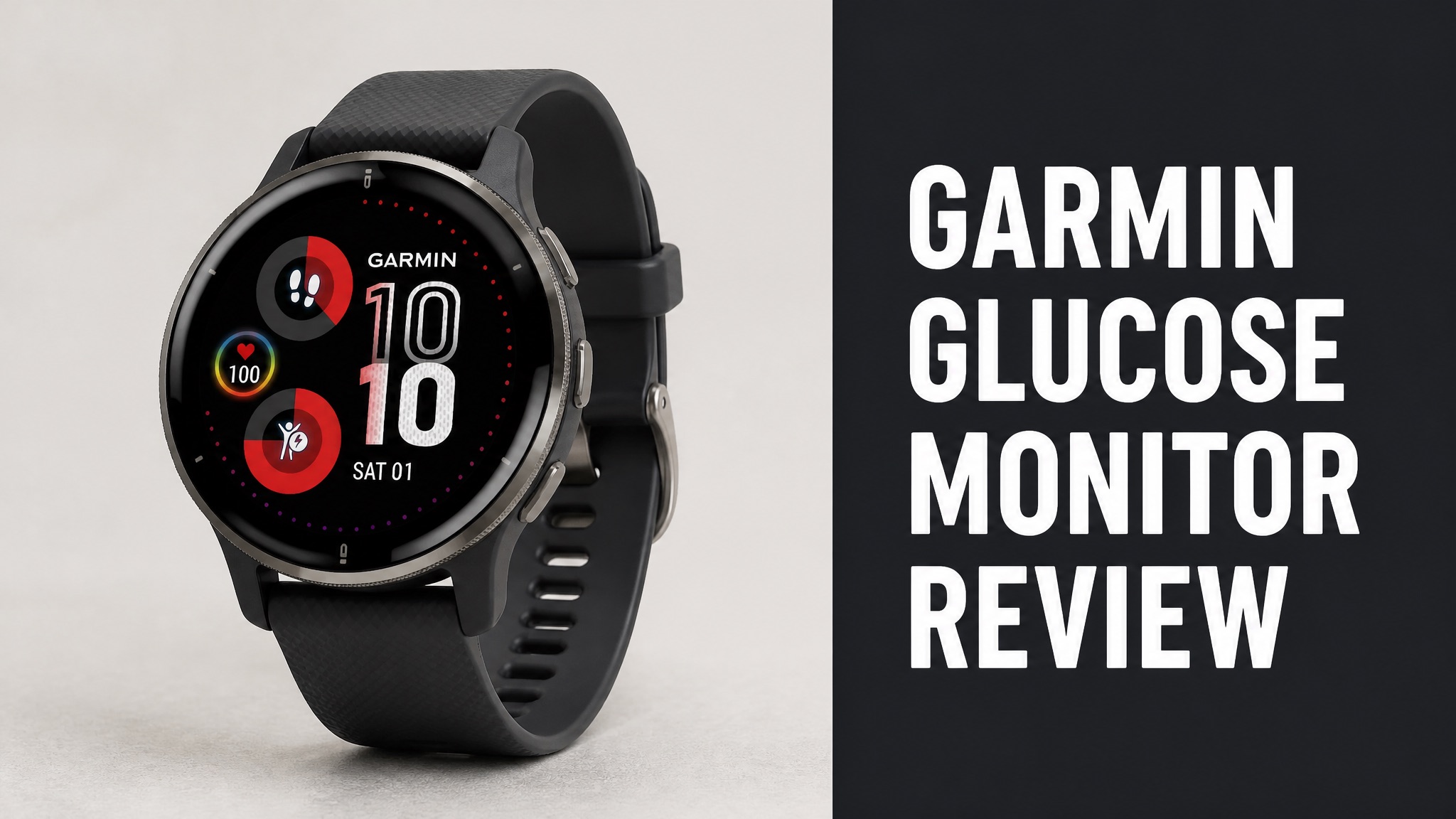
The Garmin glucose monitor is a Garmin watch or Edge bike computer that shows readings from a Dexcom CGM. Garmin launched the Dexcom Connect IQ apps on October 13, 2021. Garmin makes no glucose sensor of its own. The Dexcom sensor does the measuring, and the Garmin screen shows the result.
Garmin watches display glucose, trend direction and a three-hour history. The setup works during workouts but needs a phone within Bluetooth range. Reviews praise the official support and report some setup and connection problems. Dexcom G6 and G7 are the supported sensors. No noninvasive Garmin sensor exists, and none is announced for any watch.
The sections below cover compatibility, benefits, reviews, safety, cost and where to get the app. Read on to learn whether the Garmin glucose monitor earns a place on your wrist. Every answer comes from the sources checked, so the verdict stays grounded in facts and real user feedback.
What Is the Garmin Glucose Monitor?
The Garmin glucose monitor is not a sensor, because Garmin sells no device that reads blood sugar. The name describes a Garmin watch or Edge bike computer that displays data from a Dexcom continuous glucose monitor (CGM). The Dexcom sensor does the measuring. The Garmin screen only shows the numbers. Dexcom G6 and G7 sensors are the supported models.
In fact, Garmin launched its Dexcom Connect IQ apps on October 13, 2021. Dexcom CTO Jake Leach called Garmin the first partner on its new real-time API. Was that a big deal? Yes, because earlier partners only received retrospective data.
Who does what:
| Part | Maker | Job |
|---|---|---|
| Glucose sensor | Dexcom | Measures glucose under the skin |
| Watch or bike computer | Garmin | Displays the number and trend |
| Connect IQ app | Garmin | Shows a three-hour glucose history |
Does Garmin Measure Blood Sugar?
No. Garmin does not measure blood sugar on any watch it sells. TechRepublic states plainly that Garmin watches act as a display layer for CGM data. Any claim of a sensor-free Garmin reading is marketing hype. Treat such claims with caution. The FDA warned in 2024 that no smartwatch is authorized to estimate glucose alone.
Here’s the thing: Garmin’s own fine print agrees. The company calls its wearables consumer wellness devices, not medical devices. Does that limit the watch? Only for buyers who expect a diagnosis. The display role stays useful.
How Does the Garmin Glucose Monitor Work?
The setup works by pairing a Dexcom CGM with a Dexcom app on a compatible Garmin device. The sensor reads glucose under the skin and sends the data to a phone. The phone then passes the reading to the Garmin screen. Users download the app from the Connect IQ store. Syncing runs through the phone app. The watch updates on its own.
To be clear, the watch is not phone-free. Wareable notes that the Garmin device and the CGM both need to stay within range of the paired phone. Why does that matter? A phone left at home means no readings.
Setup steps:
- Apply a Dexcom G6 or G7 sensor and pair it with the phone.
- Open the Connect IQ store on the Garmin device.
- Download the Dexcom app or data field.
- Keep the phone within Bluetooth range of the watch.
Which Garmin Watches Work With Dexcom?
Wareable lists both older and newer Garmin models as compatible with the Dexcom app. The Fenix 6X, Forerunner 265, Forerunner 965 and Fenix 7 range all appear on the list. Garmin’s Edge cycling computers also support the data field. Every model still needs a separate Dexcom G6 or G7 sensor. Check the full Garmin list before buying.
Diabetes Strong picks the Garmin Venu 4 as its Garmin choice and cites an official Dexcom widget on that watch. And the battery? The source lists 11 hours of battery life and up to 14 days in smartwatch mode.
Models named in the sources:
| Model | Type | Source note |
|---|---|---|
| Fenix 6X | Older multisport watch | Listed by Wareable |
| Forerunner 265 | Running watch | Listed by Wareable |
| Forerunner 965 | Running watch | Listed by Wareable |
| Fenix 7 range | Multisport watch | Listed by Wareable |
| Venu 4 | Smartwatch | Official Dexcom widget, per Diabetes Strong |
| Edge | Cycling computer | Dexcom data field, per Drug Delivery Business |
What Are the Benefits of Garmin Glucose Tracking?
Garmin glucose tracking puts glucose levels on the wrist so the phone can stay in a pocket. Garmin vice president Dan Bartel said users can see which way levels trend without taking out the phone. The app also works during training. Four benefits stand out. Each one saves a step during the day. The wrist view suits busy schedules and long training sessions.
Main benefits:
- Current glucose and trend direction on the wrist
- A three-hour glucose history
- Live readings during workouts
- Glucose beside performance stats on one screen
Why does this matter during exercise? Bartel noted that glucose levels can fluctuate quickly while working out. A glance at the wrist beats stopping to find a phone.
Does It Work During Workouts?
Yes. The Dexcom data field shows glucose levels and performance stats on one screen during exercise. Garmin built the field for watches and for Edge cycling computers. Users check readings without stopping the workout. That keeps training smooth for runners and riders. Pace and glucose sit side by side. Nothing else needs opening.
Don Muchow, a type 1 athlete with 49 years of diabetes, tested it in swim workouts. He feared Bluetooth might fail in water. Did it? He said the connection stayed intact. Muchow is sponsored by Dexcom and Garmin, so weigh his praise.
Does It Show Trends and History?
Yes. The Dexcom app shows current glucose, trend direction and a three-hour history on the Garmin screen. Diatribe and Fierce Biotech both report the same three-hour window. Trend direction shows where levels head next. Together the numbers give a quick read on the next hour. Users glance and move on. No phone is needed in hand.
Now, watch this: Muchow called tracking without wrist data essentially guesswork. Real-time numbers let him catch changes as they happen. And the old problem? CGM disconnects mid-race once left him with high blood sugar.
What Do Garmin Glucose Monitor Reviews Say?
Reviews praise the official Dexcom support but report connection headaches for some users. The feedback comes from forums, reviews and a Diabetes Strong comment thread. No large rating pool exists for the app itself. So the picture is mixed. Setup and stability decide the score for most buyers.
Short answer: official support is the main draw. A Diabetes Strong reply from Christel Oerum, MS, calls Garmin an ideal fit because it has an official Dexcom app. Is every user as happy? Not quite.
What Do Users Like?
Users like the official Dexcom support and the glance-at-wrist convenience. Diabetes Strong calls Garmin a solid competitor to Apple watches for people who avoid Apple products. The Venu 4 also adds ECG, a pulse oximeter, stress monitoring and sleep coaching. Those extras make the watch useful beyond glucose. Many wearers value that range.
Endurance athletes are the happiest group. TechRepublic calls Garmin best viewed as a data companion for athletes. The reason is simple: training days make glucose trends matter for fueling, performance and safety.
What Are the Common Complaints?
Complaints center on setup and dropped connections. One reader bought a refurbished Venu 2 and called the Dexcom G7 setup exceedingly cumbersome. The reader added that many users lament the official app often disconnects. The display also read ‘old’ until a manual refresh. Fixes exist, but they take effort.
Common complaints:
- Setup that feels cumbersome
- Dexcom app disconnects
- Stale readings that need a manual refresh
- A phone that must stay nearby
The bad news? The reader even asked about third-party options such as x:drip. That tells buyers the official route is not seamless for everyone.
Garmin vs Apple Watch and Samsung: Which Is Better?
Garmin, Apple Watch and Samsung all depend on a separate CGM for glucose data. TechRepublic states that no mainstream smartwatch measures blood glucose without a separate sensor. The Galaxy Watch does not measure it directly either. All three act as displays for approved CGMs. The sensor stays on the body, not inside the watch.
For example, Dexcom G7 connects directly to Apple Watch in the US, so readings appear without an iPhone nearby. Garmin still needs the phone. Does that tilt the choice? For phone-free viewing, Apple holds the edge in these sources.
Smartwatch glucose support:
| Brand | Measures glucose alone | CGM display |
|---|---|---|
| Garmin | No | Dexcom through Connect IQ |
| Apple Watch | No | Dexcom G7 direct in the US |
| Samsung Galaxy Watch | No | Needs an external CGM |
| Oura | No | Metabolic app partnerships with Dexcom |
Is a Noninvasive Garmin Sensor Coming?
No. Garmin has announced no noninvasive glucose sensor for any watch. A Reddit thread discusses a Garmin patent that hints at glucose tracking from the wrist. A patent is not a product. No release date exists. Buyers should treat the idea as a rumor until Garmin confirms a product. Patents often never ship.
TechRepublic explains why this is hard. Glucose is not like heart rate, because the signal is weaker and more variable. A small error could affect medication decisions. So what stands in the way? Accuracy remains the wall everyone keeps hitting.
Is the Garmin Glucose Monitor Safe and Legit?
Yes, with limits. The Dexcom partnership is real and runs through a program the FDA cleared in 2021. Dexcom’s Partner Web APIs let invited developers like Garmin show real-time CGM data. The Dexcom sensor, not the watch, supplies the medical measurement. Garmin supplies the display only. That split defines the whole safety picture for buyers and readers alike.
To be clear, Garmin’s footnote says its wearables are not intended for diagnosis, prevention, monitoring or treatment of any disease. Any medical function comes from a third-party solution. In plain English: trust the sensor, treat the watch as a second screen.
Safety points:
- The watch is a secondary view of glucose
- The FDA warns that inaccurate readings can lead to wrong insulin doses
- Phone and sensor connections can drop
- Medication decisions belong with the approved CGM
Who Should Avoid It?
People who lack a Dexcom sensor get no glucose data from the Garmin app. Wareable names the Dexcom G6 and G7 as the two compatible models. Anyone hoping for a sensor-free watch reading will be disappointed, because none exists today. The app has nothing to show without the sensor feed. Libre sensors are not named as supported in the sources.
Freestyle Libre users face an open question. A Diabetes Strong reader asked whether the Forerunner 255 supports the Libre 3. The sources checked give no answer. So check the Connect IQ store first.
How Much Does Garmin Glucose Tracking Cost?
Garmin glucose tracking costs the price of a compatible watch plus a Dexcom sensor. The app is a Connect IQ download, and the sources checked list no separate app fee. Garmin lists the Venu 4 and Forerunner 970 among its watches. This guide quotes no prices, because they change often. Sensors add a recurring cost on top of the watch.
Cost parts:
- A compatible Garmin watch or Edge computer
- A Dexcom G6 or G7 sensor
- A smartphone within Bluetooth range
Diabetes Strong adds a warning. Brands like Samsung, Fitbit, Garmin and Apple cost more but are more accurate than cheaper options. Even so, no smartwatch is 100% accurate.
Is It Worth the Price?
Yes, for people who already own a Garmin and a Dexcom. The setup adds glucose viewing to hardware the user already owns. The app is only a download. Buying a new watch just for glucose is a bigger spend. Value depends on how often the wrist view gets used. Daily CGM wearers gain the most.
Weigh it this way. Does a wrist glance justify a new watch? Athletes like Muchow say yes. For casual users, the Dexcom phone app does the same job, so the extra spend buys convenience only.
Where Do You Get the Garmin Dexcom App?
Users download the Dexcom app and data field from the Garmin Connect IQ store. Garmin launched the apps in the US first. Wareable reports a May 2023 rollout to Canada, the UK, France and Germany. Check the store for the local country. Availability varies by region. Wareable links the full compatible device list.
Watches come from Garmin directly. Garmin’s blog lists the Venu 4 41 mm, the Forerunner 970 and the fenix 8 Pro 47 mm. Diabetes Strong also links the Venu 4 on Amazon. Dexcom sensors are a separate purchase.
Should You Try the Garmin Glucose Monitor?
Yes, if a Dexcom CGM is already in use. The Garmin setup earns a place on the wrist for active CGM users who want quick readings. It adds glucose, trends and a three-hour history to a watch many athletes already wear every day. That is a fair return for owners of both devices. Quick readings matter most during long training days and races.
Bottom line: it’s a display, not a sensor. Setup can be fussy, and the phone must stay near. Is it worth trying? For athletes with a Dexcom G6 or G7, yes. Everyone else gains little today.
Who Is the Best Fit?
Endurance athletes with a Dexcom sensor gain the most from Garmin glucose tracking. Cyclists, runners and triathletes see glucose beside performance stats. Garmin’s Edge computers carry the same data field for bike rides. The wrist view cuts phone checks mid-session. Racing riders gain a clear edge from glanceable numbers.
In plain English: if the phone is always nearby and the sensor is Dexcom, the setup works. Waiting for noninvasive sensing is a long game. TechRepublic says the finish line keeps moving.