
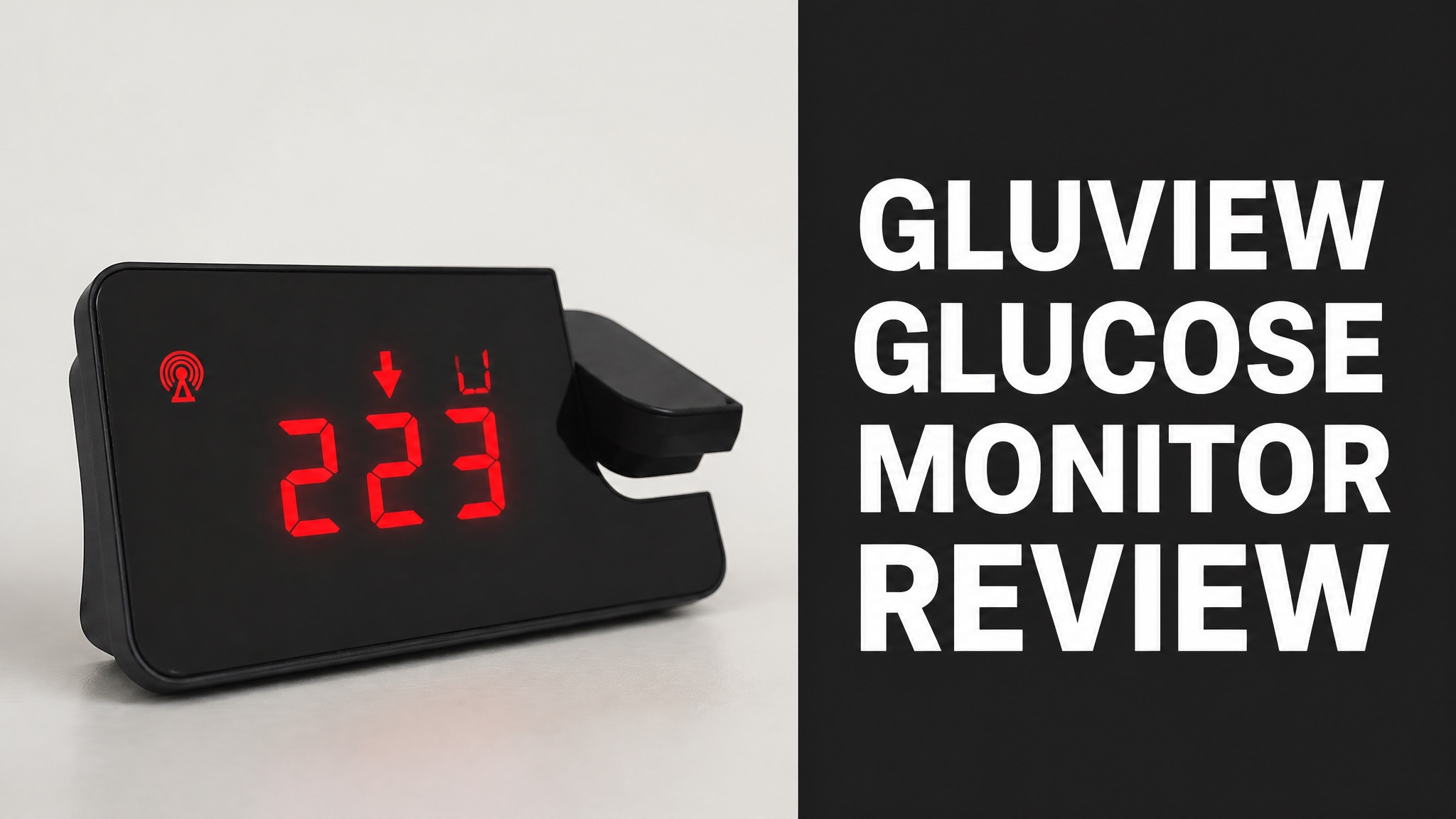
Gluview is a Wi-Fi glucose projector clock for people who use a CGM. It throws the live glucose number, trend arrow, and time onto a ceiling or wall. The device doesn’t measure glucose itself. It copies data from an existing sensor account. Setup takes a few minutes on a home Wi-Fi network.
This review covers what the projector is and how it connects to a sensor. The next sections cover benefits, user complaints, and the SugarPixel rival. Safety and FDA status get a clear answer. Pricing runs from $99 (USD) for one unit, with euro bundles on the official store. Each section tackles one buyer concern at a time. Verdicts stay plain.
Parents, partners, and night-shift sleepers all ask one question. Is a ceiling display better than a phone alert? The answer comes from the maker, Amazon, and diabetes educators, so the buying decision gets simple. Read on for clear answers before spending $99 (USD) on any projector.
What Is the Gluview Glucose Projector?
Gluview is a Wi-Fi projector clock that shows real-time CGM readings on a wall or ceiling. The display includes the current glucose level, the trend arrow, and the time. The unit doesn’t sense glucose itself, so a compatible CGM sensor still has to supply every reading it shows. Amazon files it as a diabetes projection clock. Short answer: it is a display.
To be clear, the name can mislead shoppers. Gluview isn’t a meter or a sensor. It is a second screen for CGM data. Amazon lists it as a diabetes projection clock with an alarm feature and adjustable brightness.
In the Box:
- Gluview projector unit
- Power cable
- QR code linking to the full instruction guide
Who Invented Gluview?
John DeLeo created the glucose projector after living with type 1 diabetes himself. He was diagnosed in his 40s. The Diabetes Connections podcast with Stacey Simms covers his diagnosis, the invention, and the road to market. He sells it as a tool for calm nights. His story shows how daily needs drive design.
Here’s the thing: the idea came from a user, not a lab. Checking a phone at night means bright light in your face. A readout on the ceiling fixes that. The podcast calls it a simple but powerful idea.
How Does the Gluview Projector Work?
The projector connects to CGM cloud data over Wi-Fi and projects the reading onto a ceiling or wall. It shows the glucose number, the trend arrow, and the time. Projection is built for quick checks in low light, so no phone has to wake up. The system needs no touching or tapping. Updates follow the cloud feed from the CGM. It then redraws the reading.
How does it get the data? It logs into the same follower account that apps like Dexcom Follow use. As long as the CGM is active and paired, the display keeps updating. In plain English: it mirrors the cloud feed.
Which CGMs Work With Gluview?
Gluview supports Dexcom G6, G7, and Stelo, plus Libre 2 Plus and Libre 3 Plus sensors. The maker also lists all Nightscout-compatible sensors. A separate compatibility page on the official site holds the full list, so check it before buying. The list changes, so the official page is the final word. Always confirm the sensor model. Updates add models.
Supported Sensors:
- Dexcom G6, G7, and Stelo
- Libre 2 Plus and Libre 3 Plus
- Any Nightscout-compatible sensor
Most people will find their sensor on that list. Not sure? The seller’s own answer is ‘most likely,’ so confirm the model first.
What Setup Does Gluview Need?
Setup requires a follower account, CGM app login details, and a 2.4 GHz Wi-Fi network. Dexcom users link Dexcom Follow. Libre users use a LinkUp account. Nightscout users enter the feed URL and account password. A phone or computer opens the settings page. The whole process uses the maker settings page. Allow ten minutes for the first pairing.
Setup Steps:
- Create an active follower in Dexcom Follow or Libre LinkUp.
- Plug the projector into power and join the 2.4 GHz Wi-Fi network.
- Open the settings page on a phone, tablet, or computer.
- Enter the CGM username and password, or the Nightscout details.
- Set the low and high alarm thresholds.
Why does the band matter? Many routers mix bands, and a 5 GHz-only network will not work. Check the router first.
What Are the Benefits of Gluview?
Gluview puts glucose in sight without a phone screen, which cuts bright-light checks at night. The maker says the display needs no touching or tapping. A glance up shows the number, and a spouse in the same room can see it too. The display stays visible from anywhere in the room. A glance up replaces a phone unlock. Night checks get calmer and shorter overall.
And it gets better: custom alarms are built in. Users set their own low and high thresholds. The brightness of the clock display is adjustable, though the projection glow itself is fixed at a subtle level.
Main Benefits:
- Hands-free glucose readout on the ceiling
- Custom low and high alarm thresholds
- Adjustable clock brightness
- Shared visibility for partners and caregivers
Does Gluview Help Caregivers?
Yes. Gluview lets parents check a child’s glucose without entering the room or waking the child. The maker pitches it at caregivers who check at midnight and again at 3 a.m. One glance replaces the walk down the hall and the phone unlock. Parents can then go back to sleep. The maker calls it peace of mind without the midnight stress. Rest improves.
Does one unit cover a whole home? Not always. The maker sells a 3-pack for multiple rooms or multiple CGM users. Place units in the bedroom, nursery, or caregiver’s room for wider coverage.
What Do Gluview Reviews Say?
Gluview reviews are mixed on Amazon and warmer in diabetes-community write-ups. The Amazon listing shows a 3.4 out of 5 star rating. Community posts describe the night-time display as useful, while shoppers on Amazon flag setup and fit concerns more often. Sample sizes stay small for now. Early adopters mostly judge it by night-time convenience.
The bad news? Public review data is thin. The brand is new, and several results are social posts rather than full tests. Treat star ratings as a rough signal, not proof of reliability.
Review Snapshot:
- Amazon rating: 3.4 out of 5 stars
- Praise: sleep-friendly display, fewer phone checks
- Complaints: Wi-Fi band limits, fixed projection brightness
What Do Users Like?
Users like the sleep-friendly display, the quick glance, and the alarm settings. One Instagram creator says the Gluview projector did exactly what it was designed to do. Diabetes educators also back the broader idea of a secondary display at night. Reviewers describe fewer interruptions overall. Many see fewer phone checks as the main win.
Why does that idea matter? Alert fatigue is real. A diabetes nurse reviewing SugarPixel describes sleeping through phone and watch alerts. A separate display gives the brain a different cue.
What Are the Common Complaints?
Complaints center on strict Wi-Fi needs, fixed projection brightness, and a middling Amazon rating. The projector works only on a 2.4 GHz band. Users can’t dim the projected glow. Both limits show up directly in the maker’s FAQ. Each limit is easy to check before buying. None of these issues are hidden, since the maker states each one openly.
Known Limits:
- Requires a 2.4 GHz Wi-Fi network
- Needs an active follower account
- Projection brightness can’t be changed
- Amazon rating sits at 3.4 out of 5
How Does Gluview Compare to SugarPixel?
Gluview projects glucose onto the ceiling, while SugarPixel is a pixel clock with loud and vibrating alerts. Both cost about $99 (USD) per unit. The right pick depends on whether the user wants silent visibility or a stronger wake-up signal. Both target families who check glucose at night. Pick based on how deeply you sleep. Both need Wi-Fi.
By comparison, SugarPixel shows glucose for one or two people and includes a vibration puck for the bed. A reviewer at Integrated Diabetes Services calls it very loud and notes occasional Wi-Fi drop-outs.
Gluview vs SugarPixel:
| Feature | Gluview | SugarPixel |
|---|---|---|
| Display | Ceiling or wall projection | Pixel clock screen |
| Price | $99 (USD) per unit | $99 (USD) |
| Alerts | Custom low and high alarms | Loud random tones plus vibration puck |
| Wi-Fi | 2.4 GHz required | Occasional connection drops reported |
Which Has Better Alerts?
SugarPixel has the stronger alert system for heavy sleepers because of its loud tones and vibration puck. Its reviewer says the alarm wakes the whole house most nights. Gluview focuses on quiet visibility with customizable alarm thresholds instead of maximum volume. Volume matters when a sleeper ignores quiet cues. Gluview wins on calm. Sound wins here.
So which one fits you? Choose Gluview for a calm ceiling readout in a shared bedroom. Choose SugarPixel if sleeping through alarms is the bigger risk. Some families may want both.
Is Gluview Safe and FDA Cleared?
Yes. Gluview is listed as an FDA cleared, class II, patent-pending medical device on Amazon. The listing promises reliable glucose display and consistent performance. As always, verify the clearance on the FDA database before relying on any marketing claim. That wording appears in the product bullet points. Clearance status matters for trust.
To be clear, clearance covers the display role. The projector shows data from a CGM and doesn’t replace medical advice. Anyone with questions about glucose targets should talk to a healthcare provider.
Does Gluview Replace a CGM?
No. Gluview cannot replace a CGM because it only displays data collected by a separate sensor. A user still needs a Dexcom, Libre, or Nightscout setup first. The projector adds a display and alarm layer on top of that data. Without a sensor, the projector shows nothing useful. Think of it as a mirror, not a source. Alerts still start in the CGM app.
What happens if Wi-Fi drops? The display can’t update. Treat the CGM app alerts as the primary safety layer. Use the projector as a backup view.
How Much Does Gluview Cost?
One Gluview unit costs $99 (USD) on Amazon, with multi-packs sold on the official store. The 2-pack is 161.95 euros and the 3-pack is 215.95 euros. International Amazon buyers should add shipping and import fees on top. Prices change, so check the live listing. Bundles lower the per-unit price a lot. Compare the final total before checkout.
For example, a buyer in Slovakia saw $11.90 for AmazonGlobal shipping and $5.58 for import charges. That pushed the total to $116.48 (USD) for a single unit.
Gluview Pricing:
| Option | Price | Per Unit |
|---|---|---|
| Single projector (Amazon) | $99.00 (USD) | $99.00 (USD) |
| 2 Gluview Projectors | 161.95 euros | 80.98 euros |
| 3 Gluview Projectors | 215.95 euros | 71.98 euros |
Is Gluview Worth the Price?
Yes. Gluview is worth $99 (USD) if phone checks and loud alerts disrupt sleep. The 3-pack saves 20 percent per unit, which suits families with several rooms or several CGM users. Value rises with the number of rooms covered. The price is the same as SugarPixel, so features decide the choice. Value drops if the Wi-Fi band fails.
Worth knowing: the mixed 3.4 star rating and thin review base argue for caution. Buy from a seller with a clear return policy so a bad Wi-Fi match costs nothing.
Where to Buy Gluview?
Gluview sells through Amazon and the official glucoseprojector.com store. Amazon offers the single unit at $99 (USD). The official store sells the 2-pack and 3-pack. The 3-pack page showed a sold out label at the time of writing. Stock can change quickly. Buyers should compare both options. The official store lists shipping and return policies for buyers.
Check the shipping and return policies on the official site before checkout. Third-party marketplaces also list the device, but pricing and warranty terms vary there.
Should You Buy Gluview?
Yes. Gluview is a good buy for CGM users who want a quiet, glanceable glucose display at night. The ceiling readout, custom alarms, and caregiver visibility solve real sleep problems. The limits are Wi-Fi band needs and a modest public rating. Overall, the concept is solid. It fits calm bedrooms and busy caregiver homes alike. Buyers get clarity.
Bottom line: it works as a second screen, not a safety net. Pair it with CGM app alerts and keep the sensor as the main source of truth.
Buy Gluview If:
- You use a supported Dexcom, Libre, or Nightscout setup
- Bright phone screens wake you or your partner at night
- A caregiver needs to see a child’s glucose from the doorway
- Your home has a 2.4 GHz Wi-Fi network
Who Should Skip Gluview?
People who sleep through alarms or lack 2.4 GHz Wi-Fi should skip Gluview. A louder device like SugarPixel suits heavy sleepers better. Shoppers without a supported CGM also have no use for the projector until they get a sensor. The choice is a matter of sleep habits. Mismatch costs money and sleep. Skipping saves money.
Still unsure? Start with a single unit. Test the Wi-Fi link for a week, then add more units if the setup works well in your home.